Your cart is empty
What to Do in the First 10 Minutes After Buying a Game Account
Just bought a game account? The first 10 minutes are the most important. Follow these steps to secure your account immediately and make sure it stays yours.
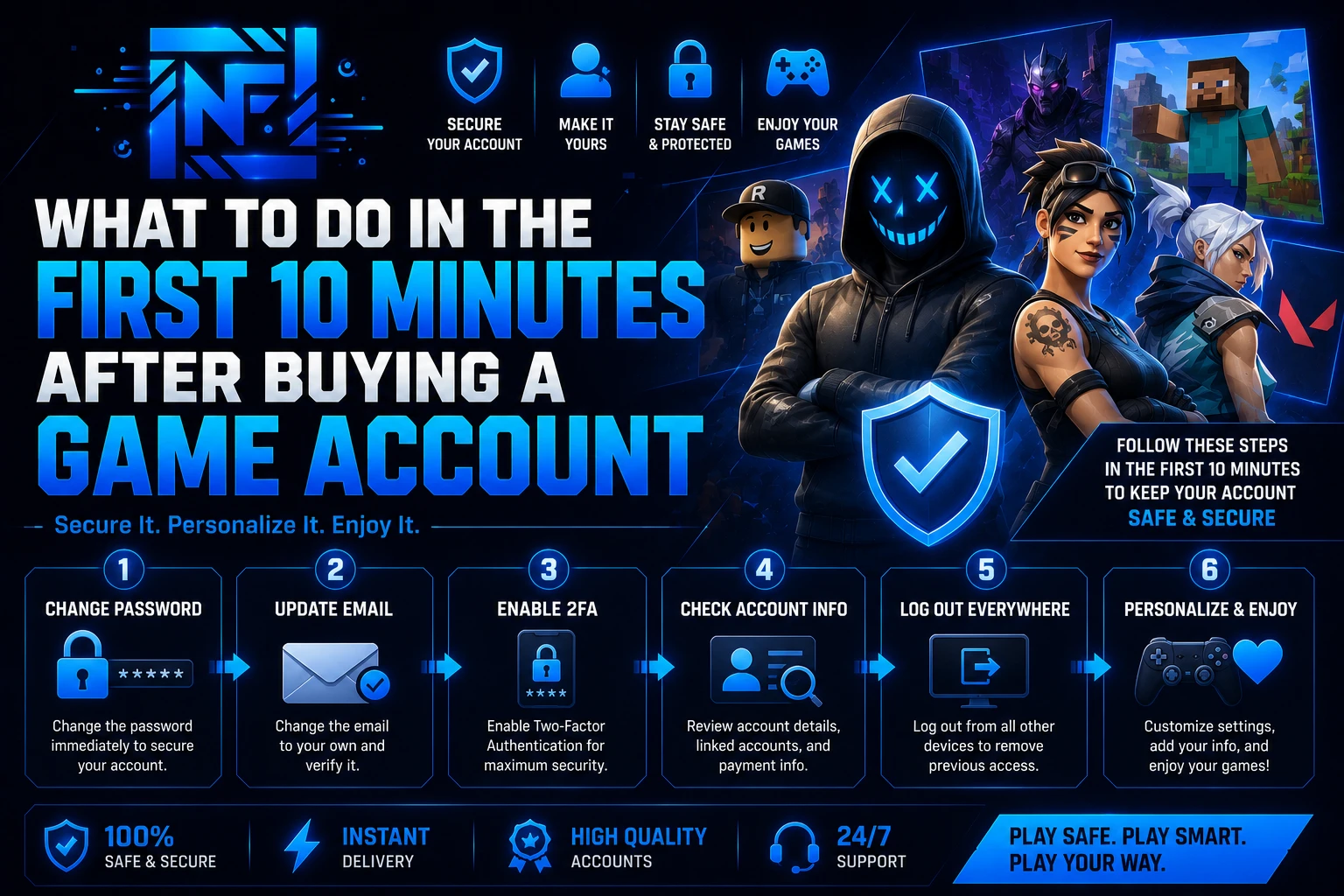
You just completed your purchase and received your account credentials. Most buyers log in, check the skins, and move on. That is a mistake. The first 10 minutes after receiving an account are the most critical window for securing it and protecting your purchase.
Here is exactly what to do, step by step.
Step 1 — Start Recording Before You Do Anything
Before you type in a single credential, start a screen recording. This is your proof of delivery and your protection if anything goes wrong. Most stores — including NfaOnTop — require video proof of a first-login issue before processing a replacement or refund. If you do not have video, you have no case.
On Windows, press Windows + G to open Xbox Game Bar and start recording. On mobile, use your built-in screen recorder. On console, start a clip capture before logging in.
Step 2 — Log In and Verify the Contents
Once you are in, check everything listed in the product description:
- Skins and cosmetics — are they all there as advertised?
- V-Bucks or currency balance
- Account level and rank (for Valorant or ranked games)
- Hypixel ban status if you bought a Minecraft account
- RAP and limited items if you bought a Roblox account
If something is missing or wrong, stop here and contact support immediately with your recording as proof.
Step 3 — Change the Password Immediately (FA Accounts Only)
If you bought a Full Access account, change the password the moment you confirm everything looks correct. Do not skip this step. Use a strong, unique password that you do not use anywhere else.
Go to the account settings of the platform — Epic Games, Riot, Microsoft, or Roblox — and update the password right away.
Step 4 — Change the Email (FA Accounts Only)
After changing the password, update the email address to one you own and control. This is the single most important step for full ownership. Once the email is changed to yours, the previous owner loses all recovery options.
Use a dedicated email address for game accounts if possible — not your main personal email.
Step 5 — Enable Two-Factor Authentication
Every major gaming platform supports 2FA. Enable it immediately after changing your email. This adds a second layer of protection and makes it significantly harder for anyone to access the account without your phone or authenticator app.
- Epic Games (Fortnite): Settings → Password & Security → Two-Factor Authentication
- Riot Games (Valorant): account.riotgames.com → Security → Two-Step Verification
- Microsoft (Minecraft): account.microsoft.com → Security → Advanced Security
- Roblox: Settings → Security → Two-Step Verification
Step 6 — Log Out of All Other Sessions
Most platforms allow you to view and terminate active sessions. After securing the account, log out of all devices except your own. This closes any lingering access the previous owner may have had.
Step 7 — Do Not Share the Credentials
Once the account is secured, keep the credentials to yourself. Do not share logins with friends, do not post screenshots showing your username in public Discord servers, and do not use the account on untrusted devices.
What If Something Goes Wrong?
If you run into an issue during first login — wrong credentials, missing items, or the account is already changed — contact NfaOnTop support on Discord immediately. Open a ticket, attach your screen recording, and our team will handle the replacement or refund. We are available 24/7.
The video proof requirement exists to protect both sides. It takes 30 seconds to start a recording and it guarantees you have a remedy if anything goes wrong.
Quick Checklist
- Screen recording started before first login
- All advertised contents verified
- Password changed (FA accounts)
- Email changed to your own (FA accounts)
- Two-factor authentication enabled
- All other sessions logged out
- Credentials kept private
Follow these steps on every account you buy and you will have far fewer problems long-term.
Published at Aug 25, 2026